Want to stream live TV online? A browser-based online IPTV player can open a compatible M3U playlist. The player does not provide channels, subscriptions, or viewing rights: use only streams you own or are authorized to access.

Published by PlasmaX, the organization behind the PlasmaX web app, maintaining this site since 2023. This live TV streaming guide was last reviewed on under our editorial and fact-checking process. Spotted an error? Request a correction.
Let's be honest, the days of being locked into a traditional cable contract are pretty much over. People are tired of the limitations. They want more control, better value, and way more variety in what they watch, which is exactly what streaming live TV delivers. This isn't just a minor shift; it's a complete overhaul of how we watch TV.
The numbers don't lie. Streaming has officially taken over, now making up a whopping 44.8% of all television viewership. That's more than broadcast (20.1%) and cable TV (24.1%) put together. It's clear that viewers prefer the freedom and flexibility of on-demand entertainment.
So, how does this all work? The technology behind this revolution is IPTV, which stands for Internet Protocol Television. Instead of getting TV signals beamed from a satellite or through a cable, IPTV sends them straight over your internet connection. All you need is an M3U playlist—a simple URL that acts like a digital remote, telling your player where to find all the channels.
Why are so many people making the switch? It boils down to a few key perks:
This whole process is what's known as "cord-cutting," and it's all about giving you the power to create an entertainment setup that fits your life.
If you're ready to compare lawful alternatives, our guide on how to cut cable TV is a useful place to start. Choose a licensed service or use media you control, then confirm that its playlist format works with your player.
Jumping into the world of online IPTV is way easier than you might think, especially compared to the old days of scheduling a cable guy. The whole process really just boils down to one thing: an M3U playlist URL.
Think of this M3U link as your personal key to a universe of live TV channels. Once you have it, you're literally seconds away from streaming.
First, obtain a compatible M3U URL from a licensed service or create one for media you are authorized to use. A playlist organizes stream locations; it does not supply content or establish permission. Private playlist URLs may contain usernames, passwords, or access tokens, so treat them as credentials and never share them publicly.
Got your M3U URL copied? The hard part is over.
All you have to do is paste it into the player's input field. Our browser-based player was built specifically for this—no downloads, no installations, no fuss. Just paste the link, click play, and your channels will pop right up.
This image really drives home how simple it is. The devices you use every single day are already good to go.
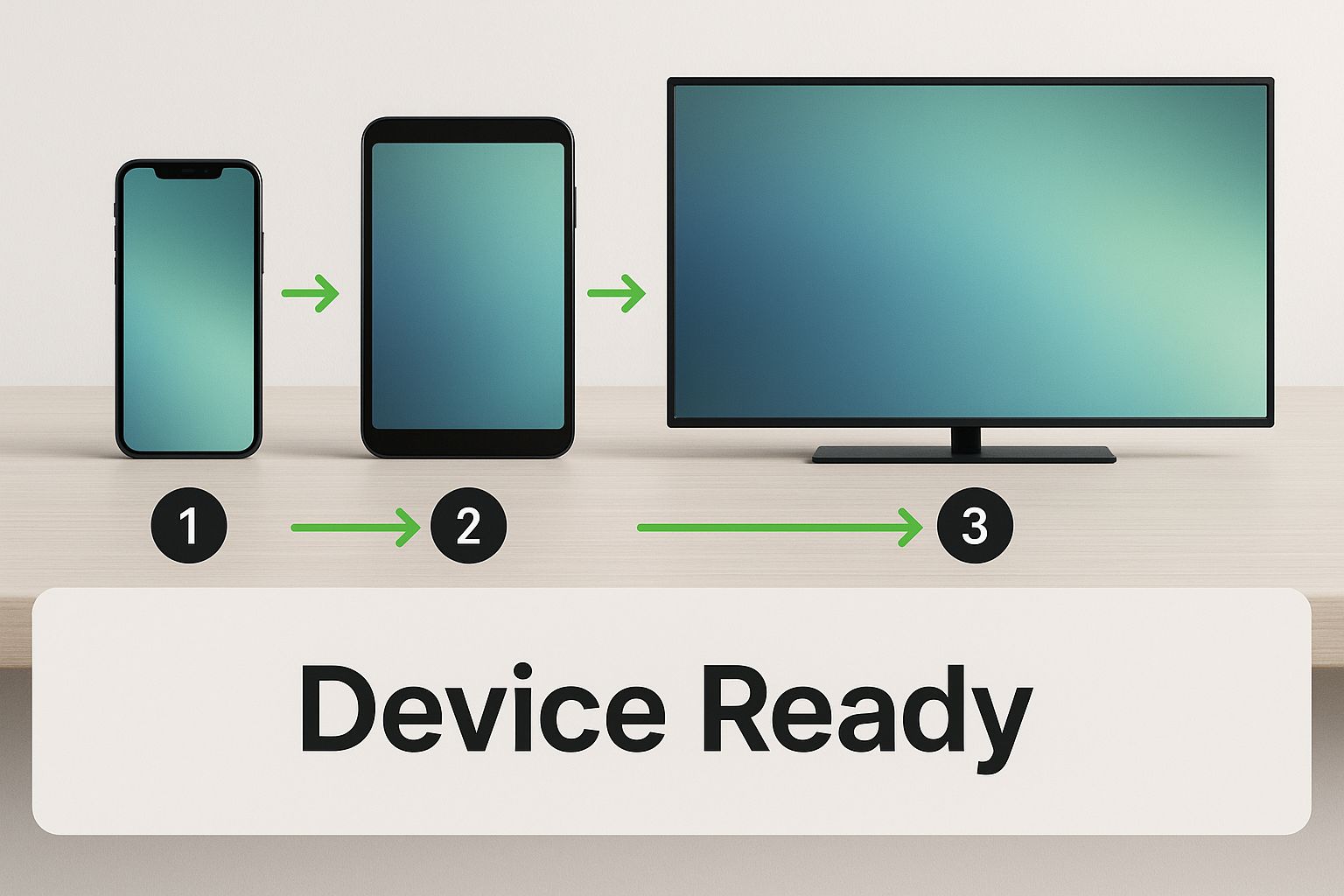
As you can see, the smartphone in your pocket, your tablet, and your smart TV are all you need to get live TV streaming online. It’s that straightforward.
Once you have an authorized, compatible playlist, loading it can be quick. If you want a more detailed walkthrough, use our dedicated online M3U player page.
To get the most out of online streaming, a few small tweaks can make a huge difference.
While any modern browser works great, a dedicated streaming device can seriously level up your experience on a big screen. Something like the Amazon Fire TV Stick 4K Max offers a slicker interface and is built to handle high-definition content without a hiccup. It just plugs right into your TV's HDMI port.
Also, a simple but game-changing habit: bookmark your online player's webpage! This little step saves you from hunting for the site every time you want to tune in, making the whole process feel as quick and natural as flipping on a regular TV.
A compatible player is only one part of a streaming setup. Device capability, app support, Wi-Fi conditions, internet service, and the source stream can all affect playback. Hardware or network upgrades may help a diagnosed bottleneck, but no device can guarantee an uninterrupted picture.
Honestly, the single biggest improvement you can make is getting a dedicated streaming device. Sure, your computer’s browser gets the job done, but devices like the Amazon Fire TV Stick 4K Max are built from the ground up for one thing: high-quality streaming. They handle video more efficiently, come with a handy remote, and keep playback buttery smooth, even in glorious 4K.
Another beast in this category is the NVIDIA Shield TV Pro. It’s definitely a more premium option, but its AI-upscaling feature is pure magic, making standard HD content look incredibly sharp on 4K screens. If you want to dive deeper, check out our complete streaming device comparison to find the perfect fit for your home and budget.
Your high-tech streaming device is only as strong as the internet connection feeding it. More often than not, that dreaded buffering wheel isn't the fault of your IPTV service—it’s a sign of a weak or congested Wi-Fi network.
A solid, high-speed router can fix this in an instant. Models like the TP-Link AX3000 (Archer AX55) are designed to juggle multiple devices all demanding high-bandwidth content at once. They know how to prioritize traffic so your live TV stream always gets the fast lane.
Pro Tip: If the device supports it, test a wired Ethernet connection. This removes Wi-Fi interference from the local link and can help determine whether wireless congestion is contributing to playback problems.
Finally, don't sleep on your cables. A good 4K HDMI cable is a small but mighty part of the equation. It ensures every last pixel of data makes it from your streaming device to your TV screen perfectly, preserving all that beautiful detail. These affordable upgrades all work together to create a truly unbeatable viewing experience.
Disclosure: As an Amazon Associate I earn from qualifying purchases.
This comparison lists common setup components. Check current device compatibility and specifications before buying; results depend on the app, network, display, and source stream.
| Product | Key Feature | Best For | Amazon Link |
|---|---|---|---|
| Amazon Fire TV Stick 4K Max | Wi-Fi 6E Support | All-around excellent performance and value for 4K streaming. | Check Price |
| NVIDIA Shield TV Pro | AI-Enhanced Upscaling | Power users who want the best possible picture quality and gaming performance. | Check Price |
| TP-Link AX3000 Router | Next-Gen Wi-Fi 6 | Homes with multiple devices streaming simultaneously, eliminating congestion. | Check Price |
| High-Speed Ethernet Cable | Direct Wired Connection | Achieving the most stable, interference-free internet connection. | Check Price |
| 4K Certified HDMI Cable | 18Gbps Bandwidth | Ensuring a perfect, high-fidelity signal from your device to your 4K TV. | Check Price |
Choose hardware only after identifying the bottleneck. A wired link may reduce local Wi-Fi interference, while a compatible playback device or cable can address device-specific limitations; none can guarantee buffer-free playback.
Licensed streaming services can make international news, entertainment, and sports easier to access on supported devices. Availability still depends on the service's distribution rights, your location, and the applicable subscription terms.
Sports availability varies by league, event, market, and broadcaster. Check the official rights holder or licensed service for local coverage and blackout rules rather than using a playlist to bypass restrictions.
When you're looking for ways to stream global content, you'll find all sorts of specialized options out there. For instance, some folks are always on the hunt for platforms that stream live horse races to catch specific events that just don't show up on mainstream channels.
The hunger for live sports is a huge reason behind this streaming explosion. In fact, the global sports streaming market is already worth an incredible $33.9 billion and is just getting bigger. This massive growth shows just how many people are ditching cable for services like IPTV to follow their teams. You can learn more about the sports streaming market share to see the full picture.
For live sports, use the official broadcaster or a licensed service that lists the event for your market. A generic player does not add channels or viewing rights.
A compatible streaming device can make TV navigation more convenient. The Amazon Fire TV Stick 4K Max is one option, but app support, network conditions, and the source stream still determine playback quality.
Sooner or later, every streamer hits a snag. You're all set to watch the big game, and suddenly, the dreaded buffering wheel appears. It’s frustrating, but the good news is that most common issues are surprisingly easy to fix, and they often have nothing to do with your IPTV service.
The number one culprit behind constant buffering is almost always your local network. It's the first place you should look. Before you start pulling your hair out, just run a quick internet speed test. For a smooth, stutter-free HD stream, you'll want to see a consistent speed of at least 15-25 Mbps. If your numbers are lagging, a few simple tweaks can make a world of difference.
What if your speed test comes back looking great, but the buffering just won't quit? Now it’s time to look at your physical setup. Wi-Fi is incredibly convenient, but it's also prone to interference from other gadgets, thick walls, or even your neighbor's network.
Here’s how to tackle it:
For a much deeper dive into getting peak performance, we've put together a full guide on how to optimize your internet connection for streaming. Taking a few minutes to fine-tune your network can eliminate those streaming headaches for good.
Jumping into the world of online TV for the first time can feel a little confusing. That's totally normal! To make things easier, we've pulled together answers to the most common questions we get from folks new to streaming.
A media player is a general-purpose tool, but whether a stream is lawful depends on the content source, distribution rights, your location, and how you use it. The player itself does not grant permission to watch or redistribute a channel.
The important part is where your content comes from. To keep everything above board and respect copyright laws, you need to get your M3U playlists from legitimate providers who have the rights to broadcast the channels they offer.
An M3U playlist is basically your digital channel guide. It's a simple link (a URL) that tells our player where to find the live stream for each of your channels.
You may receive an M3U link from a licensed service, or create one for media you control. Verify that the provider has rights to distribute the channels in your market. Keep any private playlist URL confidential because it may contain account credentials or access tokens.
Not at all! You can start streaming right away with our free player on any device that has a web browser—your computer, phone, or tablet will work perfectly.
But, if you want to kick your viewing experience up a notch on your main TV, a dedicated streaming device is a game-changer. Something like the Amazon Fire Stick 4K gives you a much smoother interface and is built for HD playback on the big screen. It’s a fantastic upgrade.
That depends on the licensed service and plan you choose. Check its current simultaneous-stream rules and supported devices before signing up.
This means you could be catching the game on the living room TV while someone else watches a movie on their tablet in another room. Just be sure to check the details of your subscription plan to see how many devices you can stream on simultaneously.
Ready to see how easy online TV can be? The PlasmaX is the simplest way to get started. Just paste in your M3U link and hit play—no downloads, no hassle. Start streaming your favorite channels right now!