Quick answer: The best live TV apps for Firestick in 2026 include YouTube TV for an all-around cable replacement, Fubo for sports, Sling TV for flexible packages, Philo for entertainment on a budget, and Pluto TV for free ad-supported channels. Availability, pricing, and channel lineups vary by location, so confirm details on each provider’s official site.
This guide compares seven legal, officially available options by best use, cost level, channel focus, and practical trade-offs. It was reviewed in July 2026. Exact prices, promotions, channel lineups, DVR policies, and device features change frequently; use the linked provider pages for current terms before subscribing.
Disclosure: As an Amazon Associate I earn from qualifying purchases.
IPTV players are playback tools: they can open M3U or HLS streams that you are authorized to use, but they do not supply channels or subscriptions. If you already have a legal playlist from a broadcaster, workplace, school, or service you trust, see our Firestick IPTV player guide. Use only streams you own or have permission to watch. For smoother playback, a modern device such as the Fire TV Stick 4K Max may help on demanding streams.

Published by PlasmaX, the organization behind the PlasmaX web app, maintaining this site since 2023. This Firestick live TV app guide was last reviewed on under our editorial and fact-checking process. Spotted an error? Request a correction.
For Firestick users seeking a premium, reliable, and fully integrated cable-replacement experience, YouTube TV stands out as a top-tier choice. Backed by Google, this service combines a massive channel lineup with best-in-class features, making it one of the best apps for live TV on Firestick. Its official availability in the Amazon Appstore means setup is seamless, with no complicated side-loading or workarounds required. Simply download the app, sign in, and start watching.
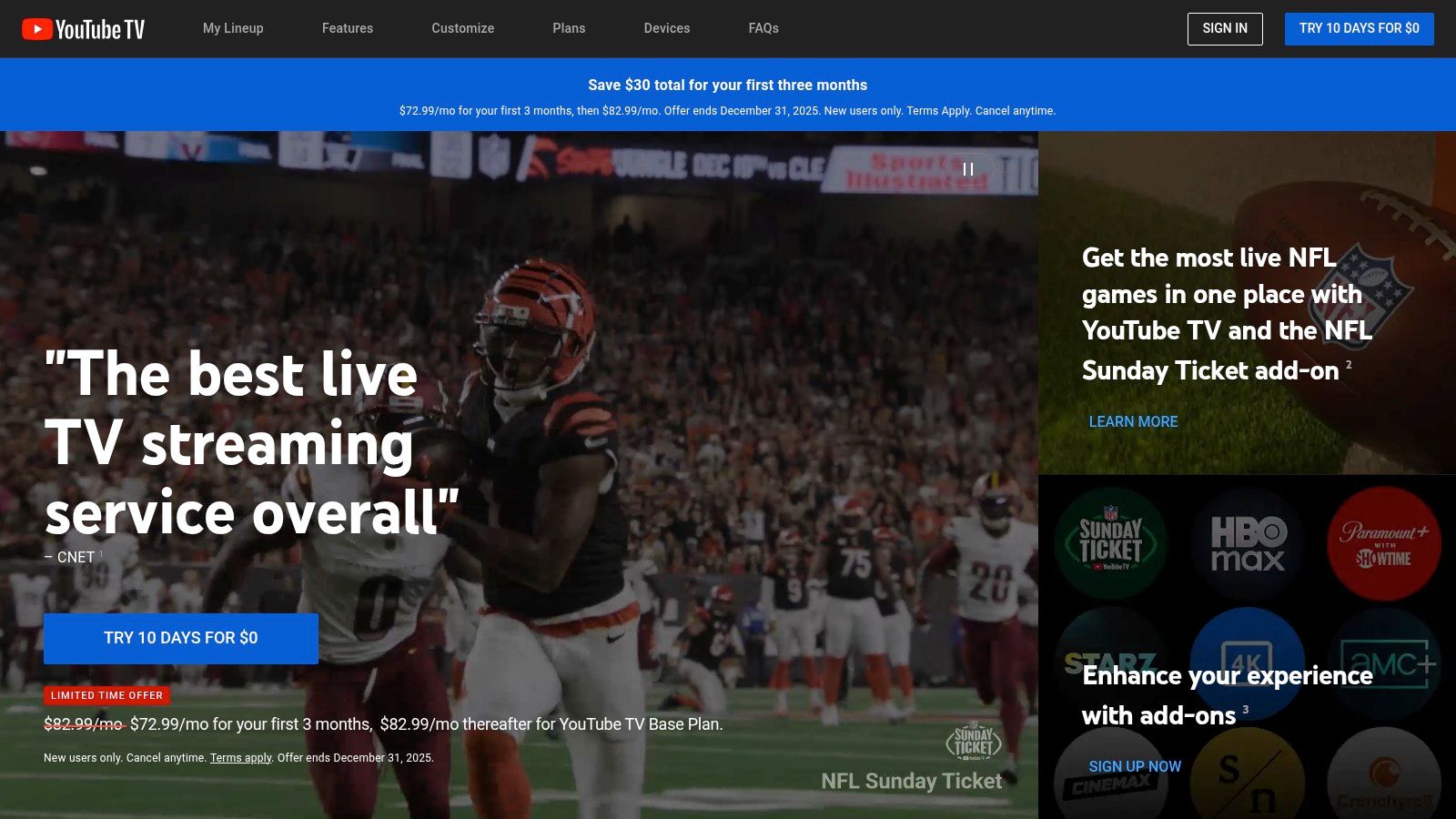
YouTube TV includes cloud DVR and household viewing features. Storage, recording retention, and plan terms can change, so check the current details on YouTube TV’s official plan page before subscribing.
The user interface on the Firestick is clean, fast, and intuitive. The channel guide is reminiscent of traditional cable, making it easy to navigate for new cord-cutters. Sports fans will particularly appreciate features like Key Plays, which lets you catch up on the most important moments of a game, and Multiview, which can place multiple games on one screen when the feature is available. These thoughtful additions create a superior viewing experience that justifies its premium price point. You can learn more about its standing among IPTV providers in the US.
Pros:
Cons:
YouTube TV is a premium-priced option. Promotions and plan rates change, so review the current price, local lineup, DVR terms, and device support on the official YouTube TV page.
For Firestick users who want live channels and a large on-demand library in one app, Hulu + Live TV is a practical option. Current packages may include access to other Disney streaming services, but bundle composition and terms can change. Its official app is readily available in the Amazon Appstore, ensuring a straightforward installation process for a seamless transition into a world of endless content.
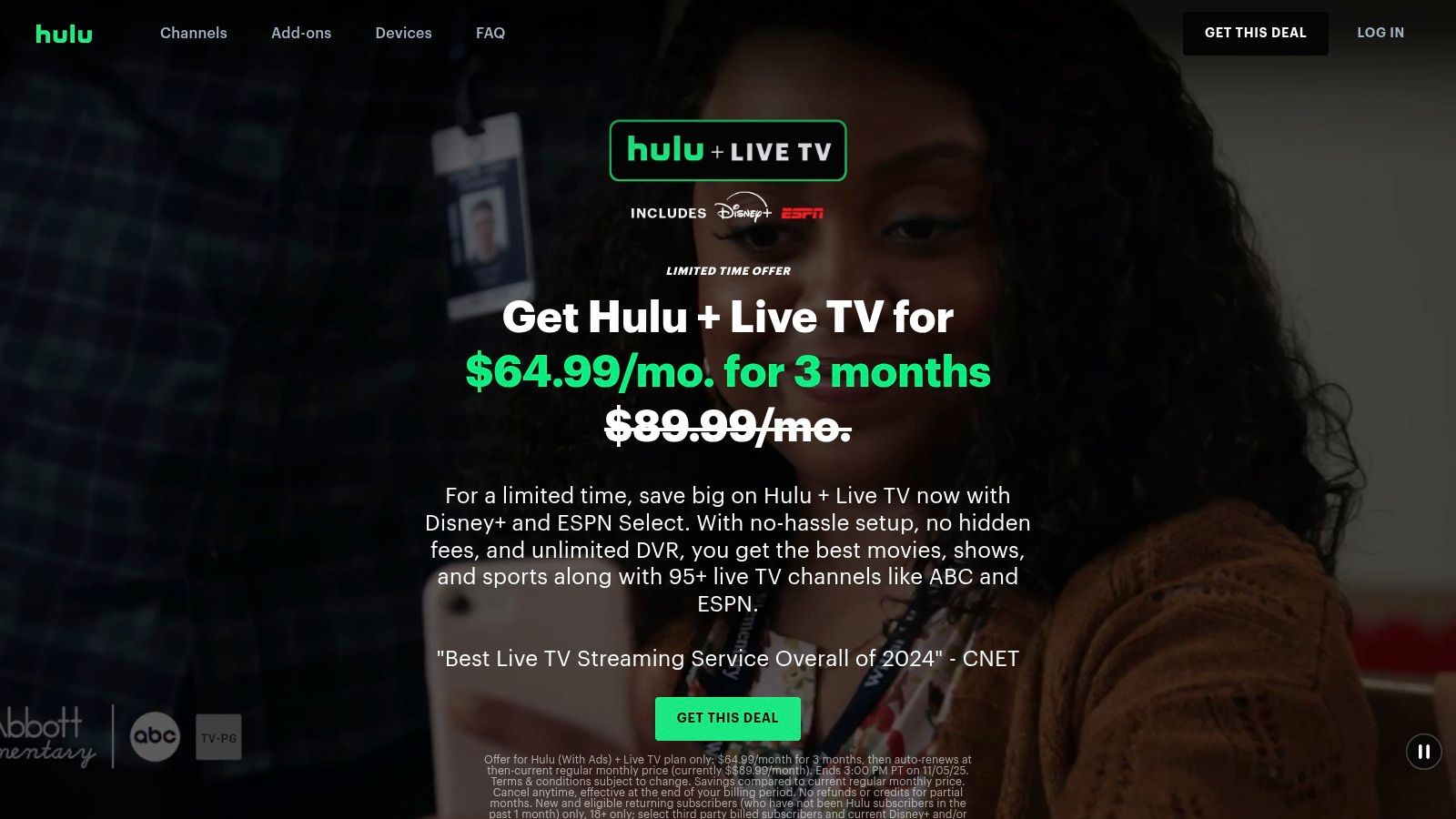
What makes Hulu + Live TV a standout choice is this powerful combination. You can switch from watching a live news broadcast or sports game directly to binging an award-winning Hulu Original series or a classic Disney movie without ever leaving the app. This integration makes it one of the best apps for live TV on Firestick for families and users who want maximum value from their subscription.
The Hulu app on Fire TV is mature and well-optimized, offering a smooth and intuitive user experience. The live guide is easy to browse, and the service includes cloud DVR features for recording shows and events. Current storage and retention rules appear on Hulu’s official plan page. The ability to create multiple household profiles ensures a personalized experience for every member of the family, with tailored recommendations and watchlists.
This service is a prime example of a comprehensive streaming solution, which is important to consider when exploring the world of legal streaming websites.
Pros:
Cons:
Hulu + Live TV is generally a premium option. Check Hulu’s official Live TV page for current pricing, bundle inclusions, local-channel availability, DVR terms, and simultaneous-stream limits.
For Firestick users who prioritize flexibility and budget-conscious packages, Sling TV is worth comparing. Its modular approach lets viewers combine a base package with optional channel add-ons. Its official app is readily available in the Amazon Appstore, ensuring a straightforward installation process and a reliable viewing experience, making it one of the best apps for live TV on Firestick for cord-cutters seeking control over their subscription.
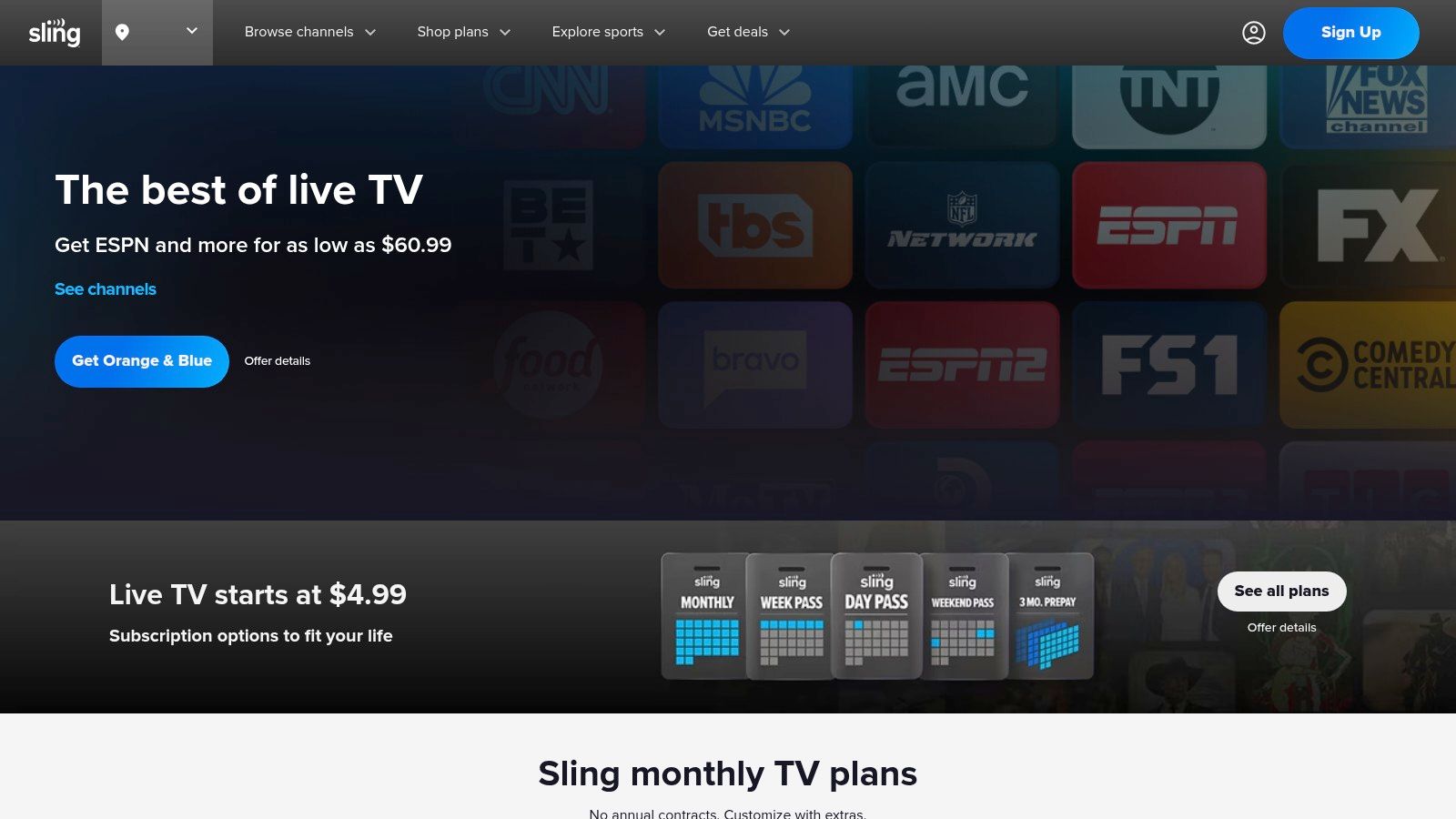
Sling TV’s core appeal is its modular package structure. Its Orange and Blue options emphasize different channel groups, and add-ons can expand the lineup. Channel availability, local stations, and package names can change, so compare the current options for your ZIP code on Sling’s official site.
The user experience on the Fire TV app is streamlined and efficient, with a traditional grid-style guide that’s easy to navigate. The real power of Sling TV comes from its optional "Extras" for categories such as sports, news, kids, and lifestyle. Availability varies by plan and location, so check Sling’s current channel list before subscribing.
Pros:
Cons:
Sling is usually positioned below full cable-replacement bundles on price, but add-ons can raise the total. Verify current package pricing, channels, DVR capacity, and stream limits on Sling’s official service page.
For sports-focused households, Fubo is a strong live TV option on Firestick. It emphasizes national and regional sports alongside entertainment and news, although the available networks and regional sports fees depend on location. Its official app is readily available on the Amazon Appstore, ensuring a smooth and optimized experience on any Fire TV device.
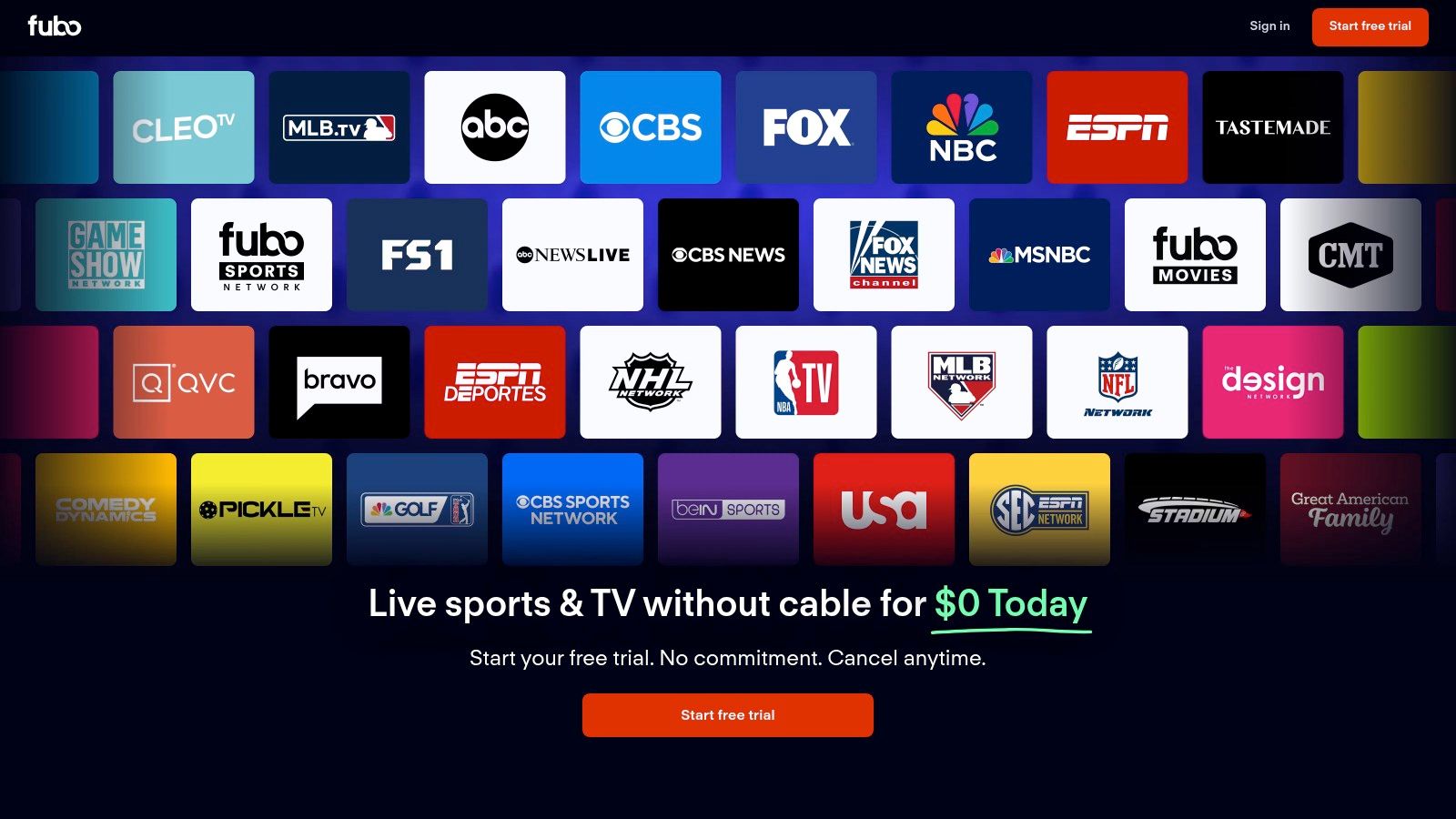
Fubo’s main differentiator is its sports focus. Select plans, devices, and events may support 4K streaming; availability changes by event and market. Compare the current channel lineup for your ZIP code before subscribing.
The Fubo interface on Firestick is designed for sports discovery, with a clean grid guide and intuitive navigation that makes finding your favorite team's game simple. Fubo includes cloud DVR and multi-screen features on eligible plans and devices. Storage, retention, simultaneous streams, and Multiview availability can vary, so verify the current plan details before choosing it.
Pros:
Cons:
Fubo is a premium service, and regional sports fees may apply in some markets. Check Fubo’s official page for current plans, total pricing for your ZIP code, DVR terms, stream limits, and 4K availability.
For Firestick users who want live TV without the high cost of sports and local channels, Philo offers a refreshingly affordable and streamlined alternative. This service carves out a niche by focusing exclusively on entertainment, lifestyle, and movie channels, making it one of the best apps for live TV on Firestick for budget-conscious viewers. Its official app is readily available in the Amazon Appstore, ensuring a simple and direct installation process on any Fire TV device.
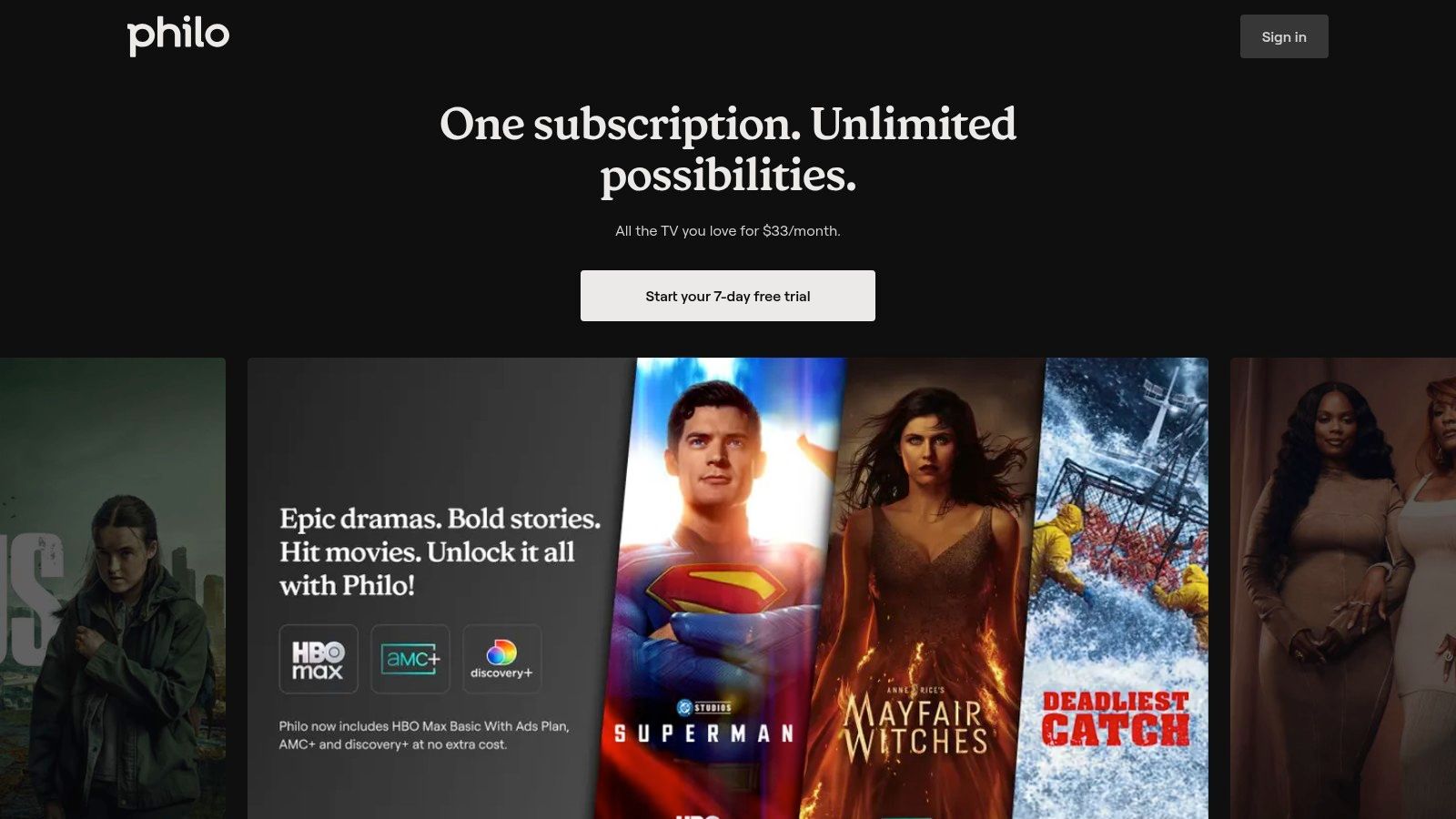
Philo stands out for its lower-cost entertainment focus. By stripping away expensive sports networks and local broadcast affiliates, it delivers a robust package of popular cable channels at a fraction of the price of its competitors. It also includes cloud DVR; current storage and retention terms should be confirmed on Philo’s official plan page.
The Philo app on Firestick is lightweight, responsive, and easy to navigate. The interface is clean, with a straightforward channel guide and a well-organized on-demand library. Household profiles and simultaneous streaming are supported, while the exact limits depend on Philo’s current account policies.
Pros:
Cons:
Philo is a budget-oriented paid option focused on entertainment rather than a full sports-and-local-channel replacement. Check Philo’s official page for current pricing, trial availability, channels, DVR rules, and stream limits.
For Firestick users looking for a free, ad-supported mix of live channels and on-demand programs, Pluto TV is an easy official option. As a leading ad-supported service owned by Paramount, it offers a familiar, cable-like experience without asking for a credit card. Its official availability in the Amazon Appstore makes installation effortless, providing instant access to a vast library of content and positioning it as one of the best free apps for live TV on Firestick.
What makes Pluto TV so compelling is its "lean-back" approach. It presents a grid guide of curated linear channels dedicated to specific genres, shows, and themes. The lineup changes over time and by region. You can channel-surf through classic TV shows, movie marathons, news updates, and sports highlights just like old-school television, making it a perfect supplement to other paid services or a great standalone option for casual viewing.
The Pluto TV interface on Firestick is straightforward and easy to navigate. The live channel guide is front and center, allowing users to scroll through what's on now and what's coming up next. Alongside its live channels, the service boasts a large on-demand catalog of movies and TV shows, also completely free with ad interruptions. It is not a full cable replacement, because its scheduled channels differ from local broadcast networks and premium live-sports packages. You can explore how it compares to other options in our guide to free live TV streaming apps.
Pros:
Cons:
Pluto TV costs $0 per month, making it a risk-free addition to any Firestick. Its simple interface and zero-cost model make it a useful supplement to paid services.
While not a streaming service itself, the Amazon Appstore is a practical starting point for finding supported live TV apps on Firestick. This official marketplace is built directly into your Fire TV device, providing official listings, compatibility details, and automatic updates for supported apps such as Hulu + Live TV and Pluto TV. Using the official Appstore also avoids downloading installation files from unknown sites.
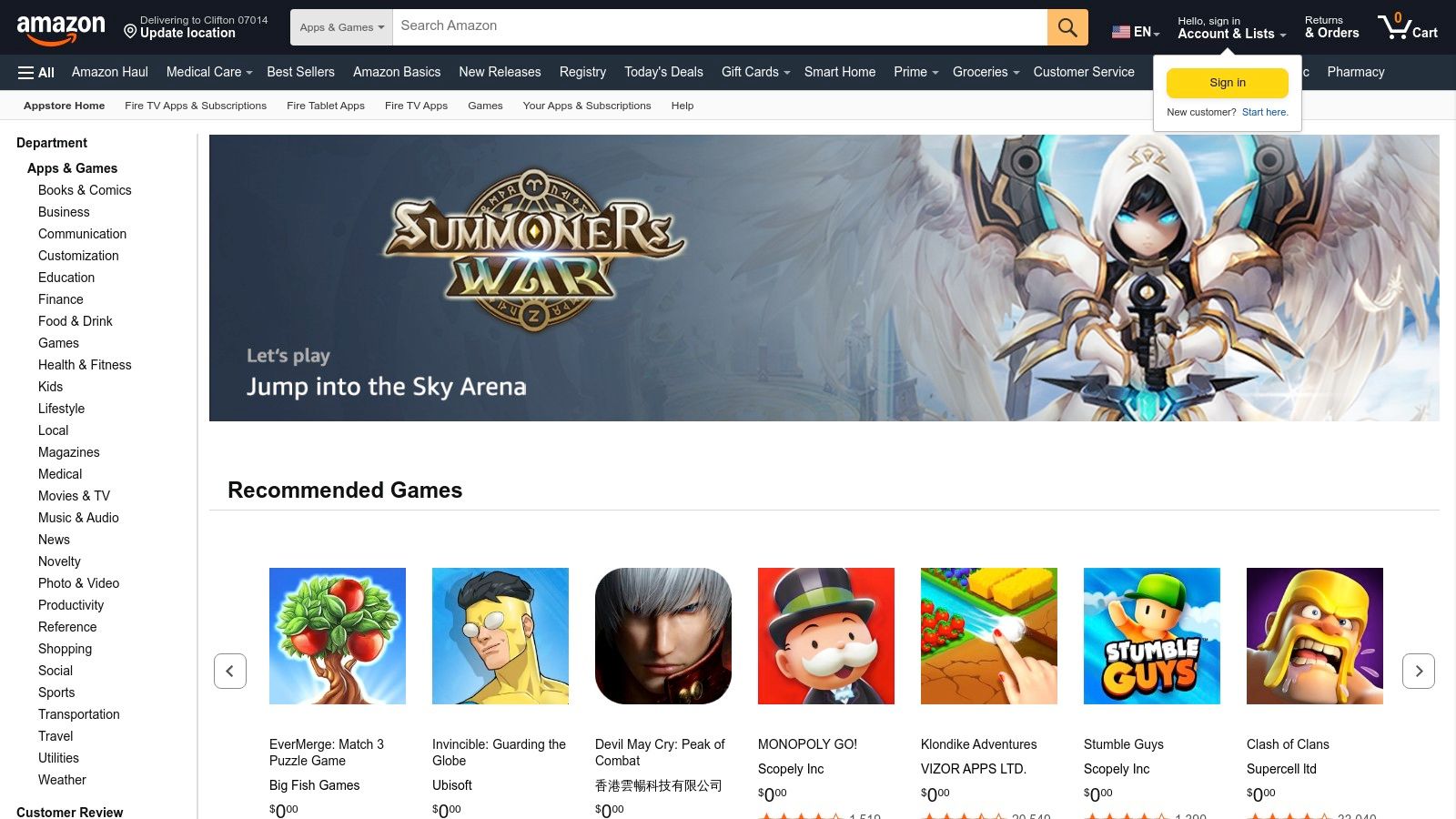
Navigating the Appstore directly on your Firestick is a straightforward experience. You can use the search function to find a specific service or browse the "Live TV" category to discover new options. Each app listing provides crucial details like user ratings, reviews, and version history, helping you make an informed decision before installing.
The primary benefit of using the Appstore is its seamless integration with the Fire TV ecosystem. Installing an app is as simple as clicking a button, and the system handles updates automatically in the background. This eliminates the need for manual installations or risky side-loading, providing a hassle-free and secure user experience. The Appstore is the official distribution hub for supported Fire TV applications and avoids the extra risk of downloading installation files from unknown sites. You can explore a curated list of top-tier apps available through the store in our guide to the best Firestick live TV apps.
Pros:
Cons:
The Amazon Appstore is completely free to use. Think of it as the foundational tool that enables access to all the other great services on this list, making it an indispensable part of the Firestick live TV experience.
| Option | Best for | Cost level | Main trade-off |
|---|---|---|---|
| YouTube TV | Broad cable-style lineup and sports tools | Premium | Price and local lineup vary |
| Hulu + Live TV | Live channels plus a large on-demand catalog | Premium | Bundle terms can be complex |
| Sling TV | Flexible, lower-cost channel packages | Budget to mid-range | Channels differ across packages and markets |
| Fubo | Sports-focused households | Premium | Regional fees and channels vary |
| Philo | Entertainment without major sports or locals | Budget | Not a complete cable replacement |
| Pluto TV | Free, ad-supported live and on-demand viewing | Free | No custom cable lineup or cloud DVR |
| Amazon Appstore | Finding and updating official Fire TV apps | Free storefront | It is not a TV service itself |
A Firestick can combine several legal live TV services in one device. As we've explored, the landscape of the best apps for live TV on Firestick is diverse, catering to every type of viewer and budget. Your ideal choice hinges entirely on what you value most in a viewing experience.
For a cable-style replacement, compare YouTube TV and Hulu + Live TV using each provider’s current local lineup and total monthly cost. Sports-focused viewers can evaluate Fubo, while budget-conscious households may prefer the package flexibility of Sling TV or the entertainment focus of Philo.
Before committing to a service, take a moment to assess your household's viewing habits. Consider these key factors:
An IPTV player can be useful when a legitimate source gives you an M3U or HLS playlist, such as a public broadcaster, organization, or paid service that licenses its channels. The player only handles playback; it does not make an unauthorized stream legal. Confirm that you have permission to access every playlist you add. A newer Fire TV device can improve responsiveness, although stream quality still depends on the source and network.
Choose the service only after comparing your required channels, total monthly cost, household stream limits, and Fire TV compatibility on the provider’s current plan page.
Already have an authorized M3U or HLS playlist? Open PlasmaX in your Firestick’s Silk browser to test playback without installing another app. The player does not provide channels; use only playlists and streams you are permitted to access.